文件服务器搭建
这里以安装 RustFS Windows 版本为参考,其他版本比如 linux 和 docker 也非常简单,可以参考官方教程。先下载最新版本访问 RustFS GitHub Releases 页面,下载 Windows 版本,地址:https://github.com/rustfs/rustfs/releases
解压目录结构如下
rustfs.exe- 主程序config.yaml- 配置文件start.bat- 启动脚本logs/- 日志目录
编辑 config.yaml 文件:
yaml
# 基本配置
server:
  address: "127.0.0.1"
  port: 7001

# 数据存储路径(重要!不要放在C盘根目录)
data_dir: "D:\\rustfs_data"

# 认证信息(默认账号密码太简单,建议修改)
credentials:
  access_key: "your_custom_access_key"
  secret_key: "your_custom_secret_key"

# 日志配置
log:
  level: "info"
  file: "logs/rustfs.log"
配置注意事项:
- 数据目录要有足够的空间(至少 10GB)
- 生产环境一定要修改默认密码
- 如果需要在局域网访问,改为 0.0.0.0
启动服务
bash
# 方法1:直接运行(命令行窗口不能关闭)
.\rustfs.exe server --config config.yaml

# 方法2:使用启动脚本(推荐)
.\start.bat

# 方法3:作为 Windows 服务安装(生产环境推荐)
.\rustfs.exe service install --config config.yaml
.\rustfs.exe service start
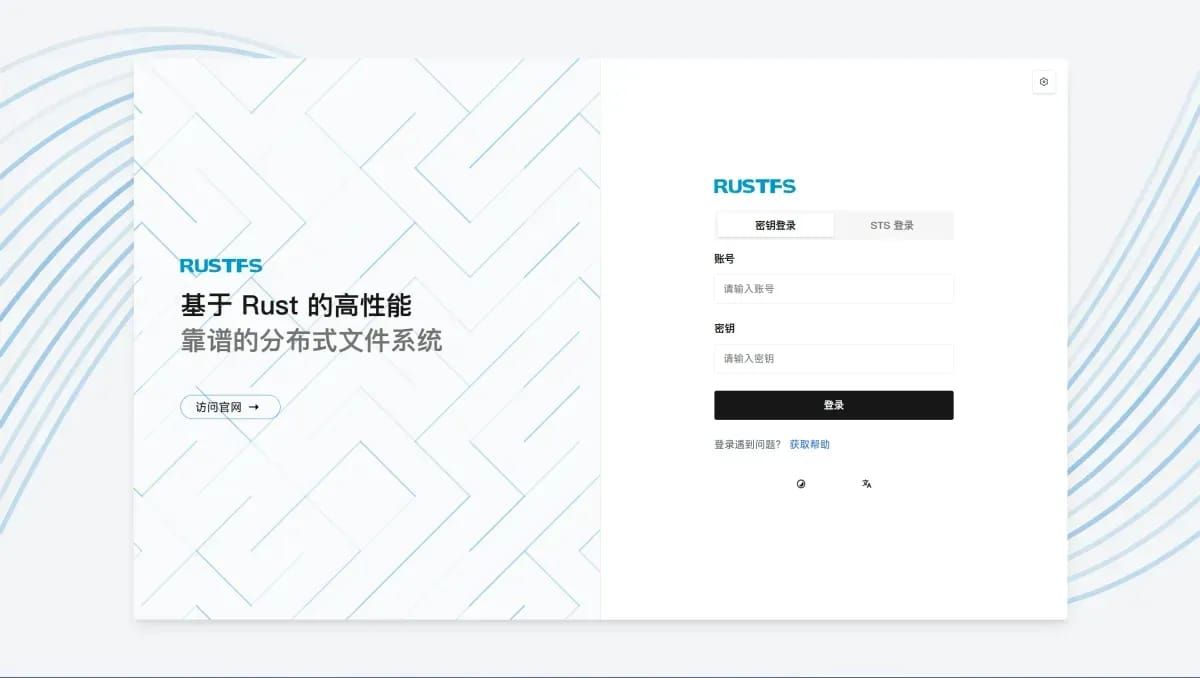
测试 Web 控制台
打开浏览器访问:http://127.0.0.1:7001
- 用户名:rustfsadmin
- 密码:rustfsadmin